Test your Simulink model at every stage of development — from algorithm to embedded target — with one tool, one workflow, one Excel file.
See the Steps → About EverTestEvery transformation introduces risk. You shall catch errors at the right level — before they reach production. MIL tests your algorithm in the model. SIL tests your generated code. PIL tests your compiled code on the real target. ISO 26262-6 highly recommends running all three — and comparing results back-to-back — for ASIL C and D. TCL 3 tool qualification requires documented evidence of that comparison. Before testing behaviour, make sure the model is built correctly with EverCheck static analysis; EverTest then handles the MIL, SIL and PIL testing described here.
Simulates the Simulink model directly. Used during algorithm development to verify functional behaviour on the model level.
Function DevelopmentIntegrates generated C code and runs it on your host PC. Verifies that code generation preserved the model's numerical behaviour.
After Code GenerationRuns generated code on the real embedded target. Verifies compiler optimisations and target-specific behaviour on actual hardware.
Pre-Production Validation| Problem | Without EverTest | With EverTest |
|---|---|---|
| Test harness | Manual harness creation for each mode — error-prone and time-consuming | ✓ Harness generated automatically in one click for any subsystem |
| Test cases | Different formats for MIL, SIL and PIL — test cases written three times | ✓ One Excel file — same test cases run across all three modes |
| Test report | Manual comparison of MIL and SIL results — difficult to audit | ✓ ISO 26262-8 compliant verification report generated automatically |
The workflow below shows how EverTest takes you from a Simulink subsystem to a fully documented MIL/SIL back-to-back verification report.
Double-click any Simulink subsystem and select Generate Harness. EverTest isolates the subsystem, creates EverTestSource and EverTestSink blocks, and defines the full unit interface — inputs, outputs, parameters and data types.
Open the automatically generated EverTest specification file in Excel. Add sheets for each test case — specify input time sequences, expected output values, tolerances and parameter variants. No scripting or MATLAB code required.
Press Run in the EverTest GUI or trigger via CLI. EverTest simulates all test cases against the Simulink model, compares outputs to expected values and captures baseline results — pass, fail and within-tolerance — automatically.
Integrate your generated C code (Embedded Coder, TargetLink or hand-written) into the EverTest harness. EverTest maps the interfaces, compiles the code and sets up the SIL Variant subsystem semi-automatically — no manual S-function wrapping required.
Select SIL Variant in Simulink. EverTest re-runs the identical test cases against the integrated C code on your host PC. Numerical equivalence between MIL and SIL results is checked automatically against your expected values and specified tolerances.
EverTest merges MIL and SIL/PIL results into a single self-contained HTML verification report documenting the test environment, harness configuration, test specification, execution results and back-to-back comparison — compliant with ISO 26262-8.
In Processor-in-the-Loop (PIL) testing, the generated C code runs on the actual embedded target — or a virtual equivalent. This final verification step confirms that compiler optimisations, fixed-point arithmetic and target-specific timing do not alter the numerical behaviour established during MIL and SIL testing. Unlike other solutions, EverTest integrates the production code without any modifications or instrumentations.
EverTest integrates with Lauterbach TRACE32 for virtual PIL via its built-in Instruction Set Simulator (ISS) or third-party virtual targets. This allows PIL testing without physical hardware — useful for early validation or CI/CD pipelines. The EverTest wrapper handles communication between Simulink and TRACE32 with its virtual target automatically.
Virtual Target · ISS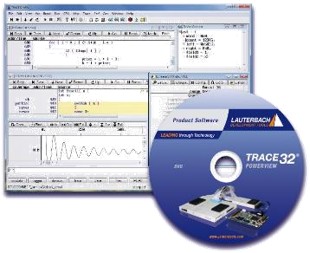
EverTest integrates with Lauterbach TRACE32 for hardware-based PIL testing via JTAG. TRACE32 acts as an abstraction layer between Simulink and the target, providing unified access to any hardware that supports basic debug. During PIL execution, the full set of TRACE32 advanced debug and trace functions remains available — EverTest monitors test signals.
Hardware-Based · JTAG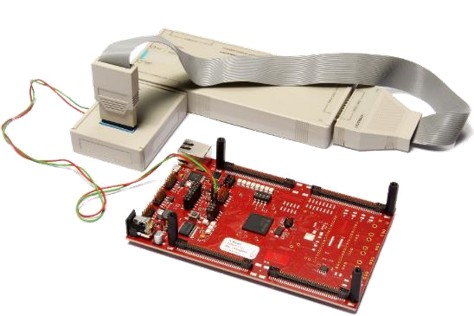

Real-world project · Industrial safety-critical application
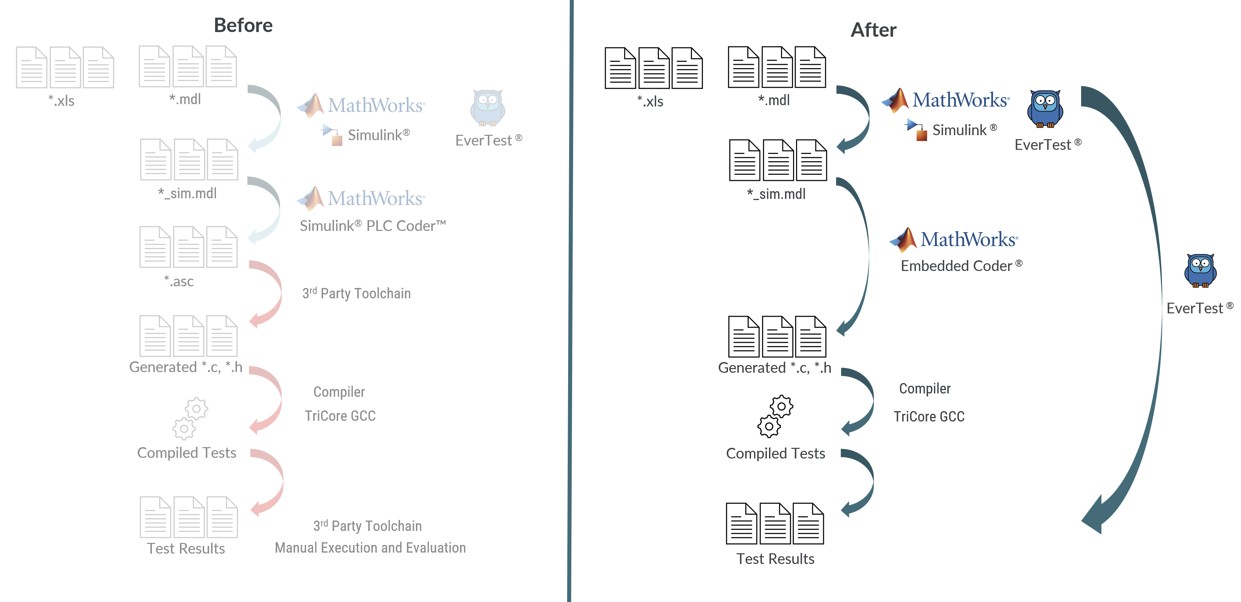
safecubed used EverTest to close a critical verification gap in an industrial safety-critical project — transitioning from a multi-step PLC Coder workflow to a fully ISO 26262 and IEC 61508-compliant single-step C code generation process using Embedded Coder and EverTest.
All existing MIL test cases were reused to verify that model adaptations required for Embedded Coder introduced no unintended behaviour. Requirements-based test cases demonstrated full structural coverage.
EverTest automatically integrated the production C code as a Simulink model variant. The existing test harness was reused for both model and C code — eliminating the need for a separate SIL toolchain.
A smart C code wrapper generated by EverTest enabled alternating parameter values during SIL testing — allowing full structural coverage of the generated C code without touching the original code.
Next steps: PIL integration is currently underway to complete the verification strategy in accordance with IEC 61508 and ISO 26262.
Three short tutorials covering the full workflow — from harness generation to SIL back-to-back testing.
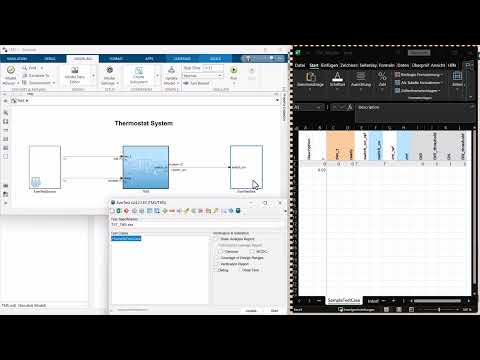
How EverTest generates a Simulink test harness — EverTestSource, Unit Under Test, EverTestSink. Covers steps 01 & 02 of the workflow.
Watch on YouTube →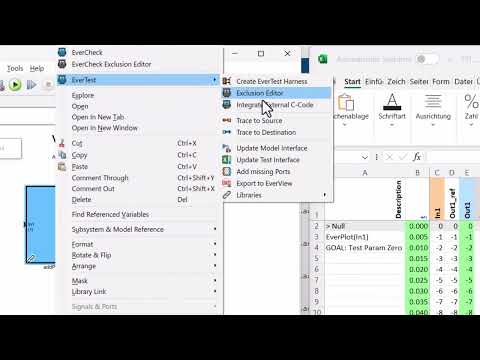
How to integrate external C-code in Simulink and run SIL back-to-back testing against your model with EverTest. Covers step 04.
Watch on YouTube →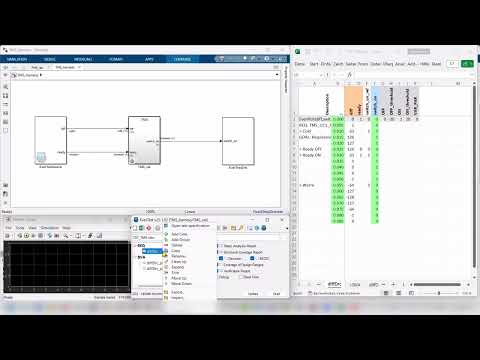
Complete walkthrough of the EverTest GUI — from test specification to execution to verification report. Covers the full MIL/SIL workflow.
Watch on YouTube →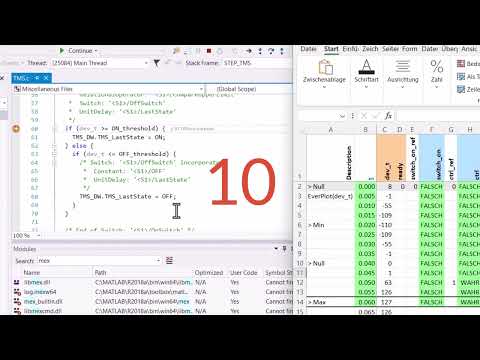
You integrated C-code into Simulink for SIL testing — now how do you debug it? This video shows how to step through your C-Mex S-function directly inside Simulink using EverTest. Covers step 04 of the workflow.
Watch on YouTube →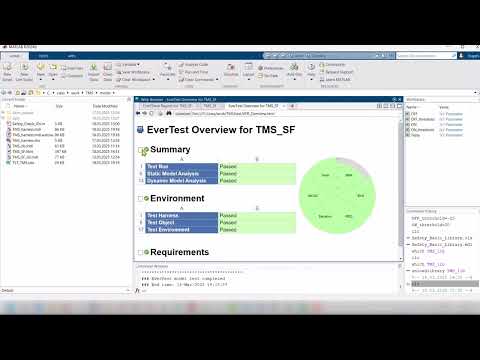
EverTest provides a compact verification overview for the software release — test-run summary and graphical success diagram for a quick review. Covers step 06 of the workflow.
Watch on YouTube →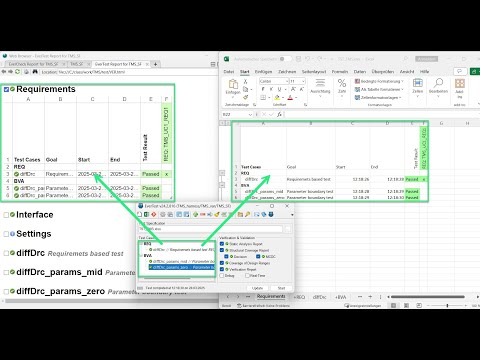
When you have many test cases, you can group them using the context menu. Execute all test cases in a group at once and manage large test suites efficiently. Covers step 02 of the workflow.
Watch on YouTube →Download the trial, run it in your MATLAB environment and see how fast verification can be.
⬇ Download Free TrialNo commitment. No credit card.
Or write to us at support@everbits.com